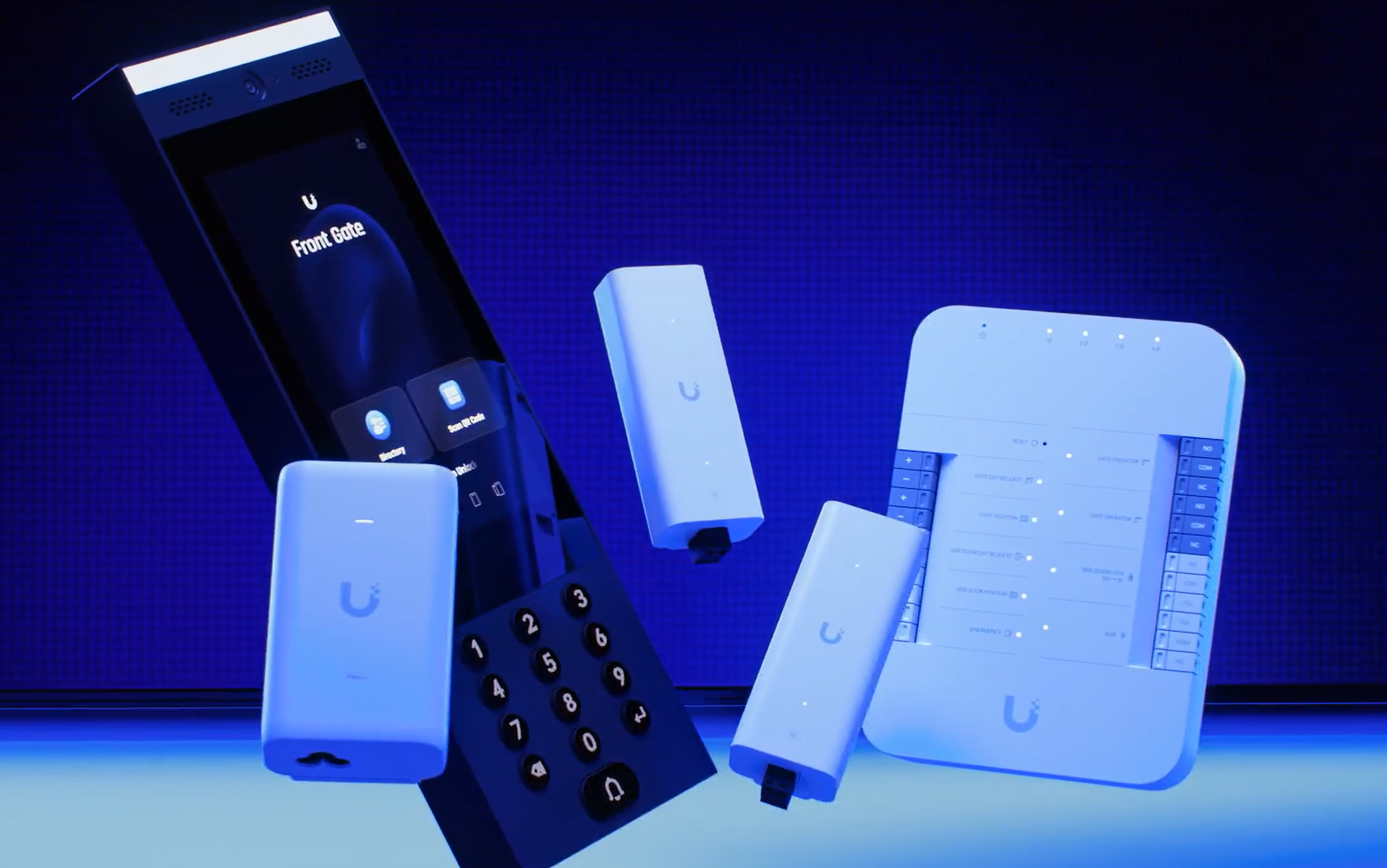
Control who gets in
Individual access for staff, family and visitors, with permissions you can change.
Control access to your business or home with UniFi. We install and configure door entry, video intercoms and compatible electric gates and garage doors—bringing everyday access into one manageable system.
We’ll explain the work and costs before you book.
Leave your name and number. We’ll call to discuss what you need.
Individual access for staff, family and visitors, with permissions you can change.
See who’s calling and let them in remotely.
We assess your current doors, locks and gate controls before recommending replacements.
What a TechLatch customer says
“Mark handled the whole UniFi installation at our property, covering Wi-Fi throughout the house and gardens, cameras, and access through our doors and gates. He also connected the garage door and brought everything together into a system that works for us.”
Magnus · Google review excerpt
A completed residential installation
Two existing Gretsch-Unitas door systems, a pedestrian gate, vehicle roller gate and garage door integrated with UniFi Access. Mark continues to support the complete installation remotely.
Read Magnus’s case study and full review ↗You may not need a new door. We assess your existing frame and locks, who needs access and how people leave, then explain what can be reused and what needs changing.

A magnetic lock holds the door shut using an electromagnet and a matching metal plate. Where it suits the door, it provides a way to add controlled entry. We plan the fitting, wiring and release controls together, including how people get out and what happens if power is lost.

An electric strike fits into the frame where the door latch catches. It releases when access is granted, so a suitable door can keep its existing handle and lock while gaining card, fob or intercom entry. We check the fit and alignment so the door closes and releases properly.
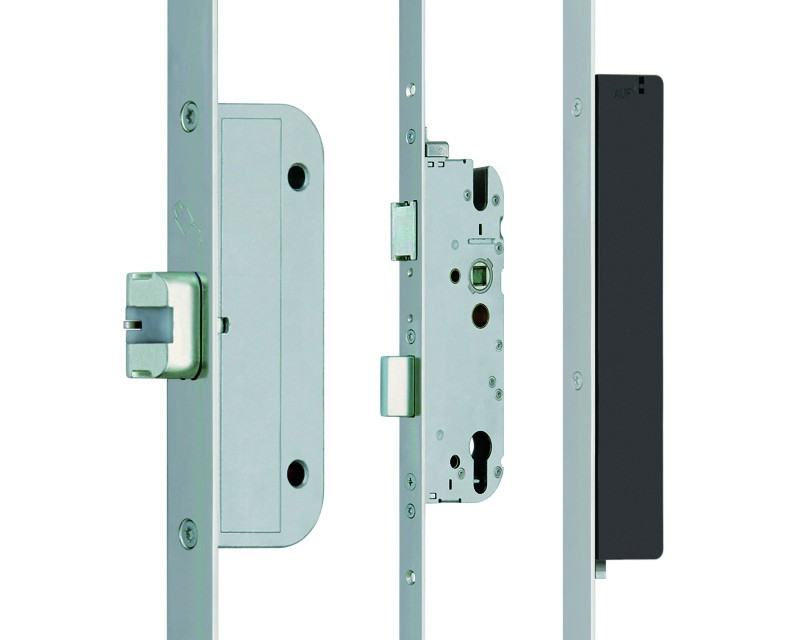
Secure the door at several points while allowing it to be released through UniFi Access. We can connect existing motorised locks or advise on upgrading a key-operated door.
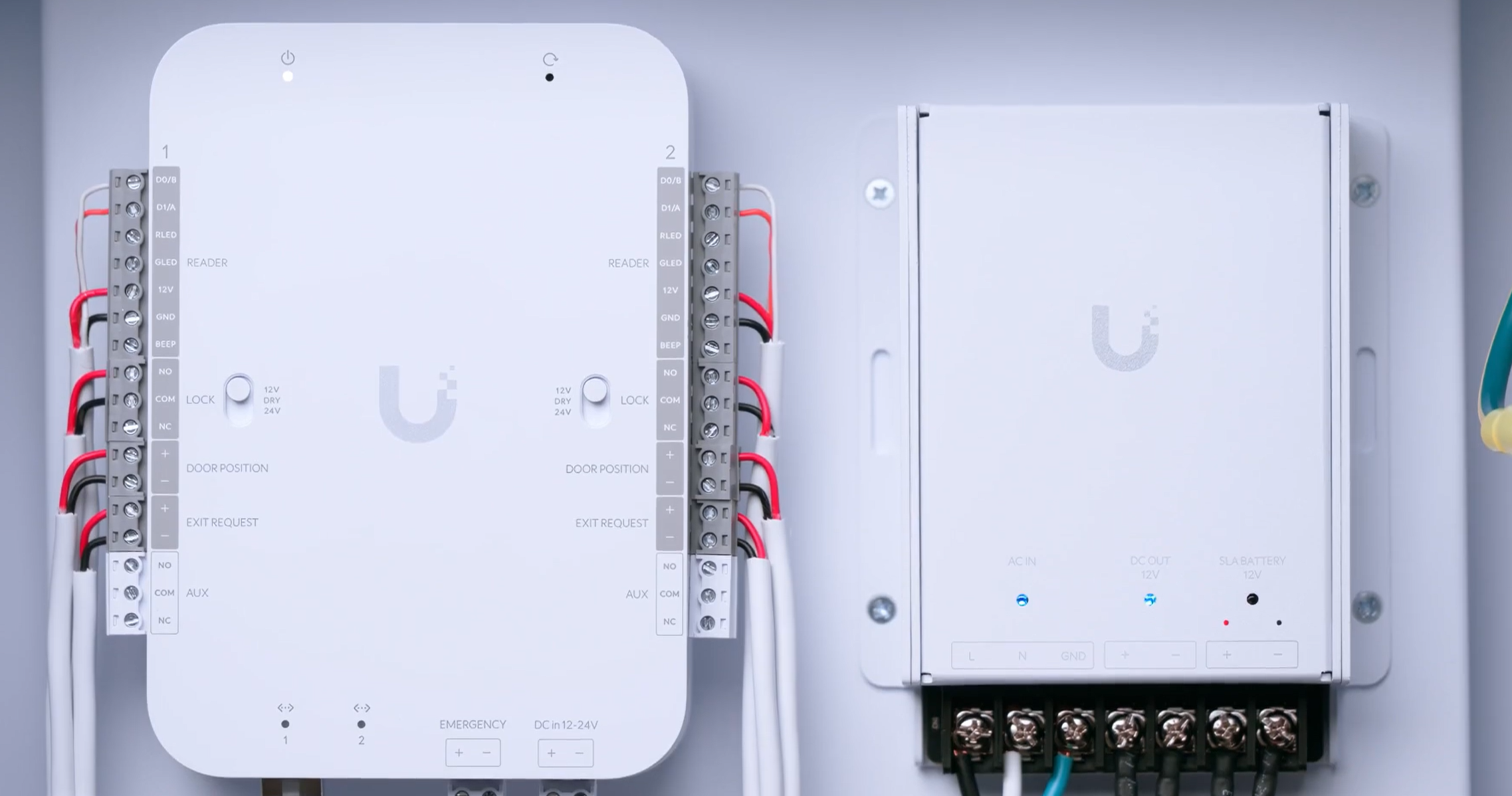
The reader is only one part of the system. Behind it, the access controller connects the readers, electric locks, door sensors and exit controls.
We bring the power, cabling and controls together, then test entry, exit and the agreed emergency arrangements before handing the system over.
Already have an electric lock? It may be possible to connect it to UniFi Access. We check its condition, power and connections before recommending whether to keep it.
If your door currently uses a normal key and mechanical lock, we’ll explain the practical options for adding electronic entry. That could mean an electric strike, a magnetic lock or a change of lock. Multipoint locks and separate deadbolts need a closer look. We also check how the door closes, whether key access can be retained and how people leave.
Show us the door you want to improve.
Send us a few photos of the door, frame and lock, and tell us who needs access. We’ll help you work out the next step and whether a visit is needed.
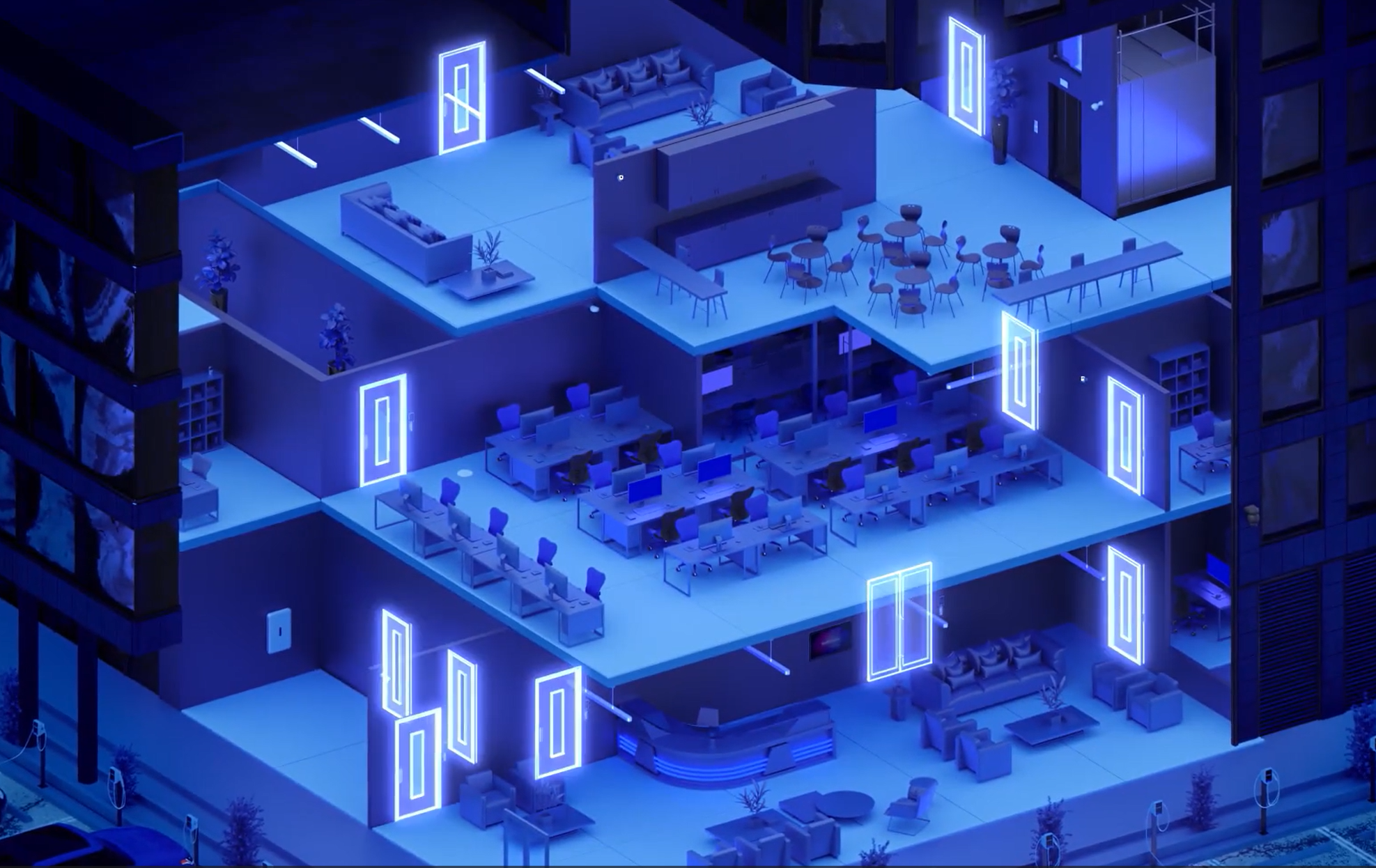
Everyday access
Give staff and family their own access, welcome visitors with a QR pass, or use face recognition on supported readers. We configure the entry methods around your doors and the people using them.

From straightforward staff entry to video entry, UniFi readers can bring credentials, calls and door release together. The new G6 Pro Entry prioritises a full-person view to support accurate Face ID identification where that feature is part of the selected Access system. We plan the reader, hub, lock and power as one complete access system.

For entrances that need more than a simple credential, a video intercom can help the right person see and speak to a caller before releasing the agreed door.
UniFi Access
Access is more than the reader on the wall. We bring together credentials, visitor calls, locks, cabling and practical exit arrangements so the door works for the people using it.
We bring the reader, lock and door controls together into one working system.
Review the doors, locks, cabling and safe exit arrangements, then agree how staff and visitors will enter.
Connect the agreed readers and door controls, then set up permissions and visitor access.
Check entry, exit and the agreed emergency arrangements. Show you how to manage access and get support.
One year of full support included. We look after your project for one year from sign-off, at no extra cost.
Access permissions are stored at the door hub, so people can still use their authorised credentials if the UniFi Console goes offline, as long as the hub, reader and lock remain powered and working. We explain which entry methods will keep working on your setup, and what you can still manage remotely during an outage.
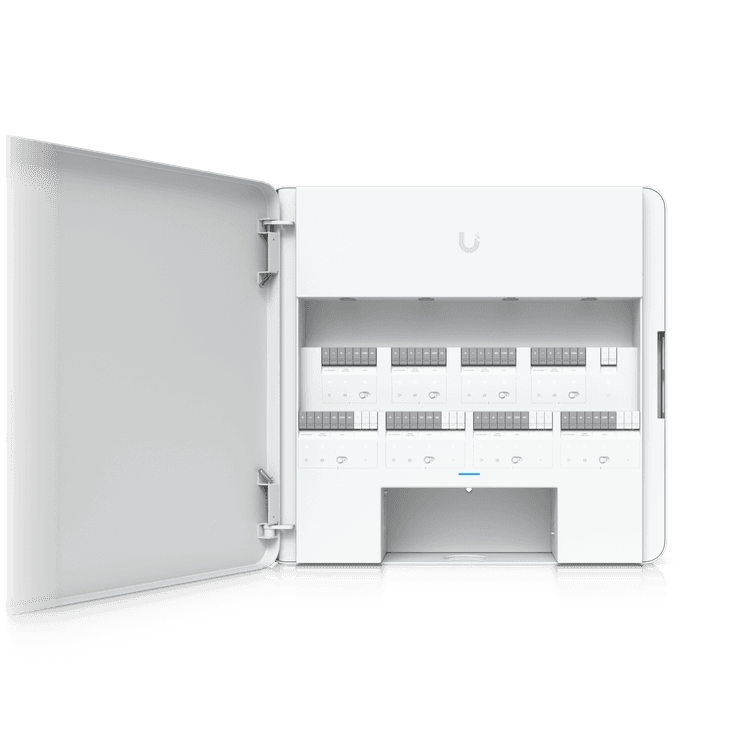
An attractive reader cannot compensate for unsuitable locks or a door that will not close properly. We start with the door, frame, existing hardware, traffic and intended use. We consider who needs entry, when access should be permitted and how people leave. Where specialist door hardware or fire-system work is needed, the scope should identify the competent people responsible before installation begins.
We treat access as a complete system: credentials, readers, hubs, locks, power supplies, cabling and exit arrangements. We ask what happens if each important part stops working, then set out the practical response. The result is a door-by-door plan you can understand, with resilience options matched to the consequences of an outage.
Fail-safe hardware releases when lock power is removed; fail-secure hardware remains secured from the entry side when power is removed. Neither phrase, on its own, describes a complete emergency-exit arrangement. The appropriate hardware, wiring and means of escape depend on the door and building. We agree those requirements with the responsible parties rather than treating every opening identically.
Individual cards, fobs or supported mobile credentials make access easier to manage than circulating a shared code. Schedules can limit when an area is available, and permissions can be changed as people join or leave. Lost credentials, administrator access and the person responsible for routine updates all form part of handover.
Different people need different access. Staff can have permissions for their normal working areas and hours. Guests can be given time-limited access to agreed doors, while cleaners can be restricted to selected entrances and scheduled cleaning periods. We configure individual permissions and access groups around your premises, so you can change or remove access without changing everyone’s credentials.
With compatible Protect and Access equipment, entry events can be reviewed alongside relevant video. That can help explain a delivery, an unexpected visit or an access attempt. Video and AI-assisted camera features support the review process; they are not a blanket guarantee of identity or a substitute for properly managed permissions.
Compatible UniFi intercoms and video readers let you see and speak to a caller, then release the agreed door when you are satisfied they should enter. Calls can reach supported mobile apps or a dedicated Intercom Viewer. We plan who answers each entrance, which equipment they need and the connection required for remote use.
One-off appointments and recurring visits can be limited to specific doors and times. Depending on the reader and configuration, visitors can use a QR code, NFC card or PIN. Scheduled credentials expire at the end of the visit, reducing the need to chase returned keys. We demonstrate the invitation, cancellation and expiry process as part of handover.
With a suitable door-position sensor connected and configured, Access can distinguish an open door from a closed one and flag unauthorised openings. A compatible wired siren can also warn when a door stays open too long. We agree useful timings around deliveries and everyday traffic, then test the sensor and the selected alert behaviour.
UniFi’s Door Attendant role lets designated people handle calls, view supported door cameras and operate assigned doors. This can suit a receptionist or responsible staff member who needs to welcome visitors. We configure the relevant doors and demonstrate the controls, keeping day-to-day entry management understandable for the people using it.
We plan how to keep your system running and recover from a fault.
We test the agreed local credential methods under the relevant outage conditions. Remote unlock, visitor calls, new permission changes and cloud-dependent functions may behave differently. Your handover should state what continues and what does not.
Suitable UPS or battery-backed power can keep the relevant access equipment operating for a defined period. The power plan must cover hubs, readers, locks, external lock supplies and any required switching. Battery backup has a finite runtime and needs maintenance.
We specify the intended lock state, authorised recovery method and exit provision for each door. A UPS does not remove a failed hub or cable as a possible fault. Any mechanical override must suit the door hardware and be managed securely.
We coordinate required release arrangements and any fire-alarm interface with the building’s responsible person and competent specialists. Physical release requirements must not depend solely on someone having a phone, internet access or an app login. We test and document the agreed arrangements before handover.
We assess your doors, frames and locks before recommending changes. We can connect existing electric locks, including motorised multipoint systems, or explain how to upgrade a key-operated door.
Yes. We set up individual access for staff or family, with the doors and times each person can use. Access can be removed when a fob is lost or someone no longer needs it.
Visitors can call through a video intercom or use a QR pass for an agreed visit. We set up who answers calls and when visitor access starts and ends.
Yes. We can set up remote door release through the app and video intercom, so you can speak to a visitor and let them in. Remote access needs an internet connection at the property.
No. Fault tolerance comes from the complete design, not the brand on the reader. Local permissions, suitable backup power and documented recovery can reduce the impact of particular failures. The proposal should identify what protection is included and any remaining single points of failure.
That depends on the selected lock, its wiring, the exit hardware and whether backup power is still operating. We establish the required behaviour for each door before equipment is ordered.
No system can honestly promise that. We design and test sensible fallback arrangements, explain the limits and agree how authorised access and safe exit will be handled when something fails.
No. UniFi offers emergency functions, but the building’s exit and release requirements must be addressed through the complete door and safety-system design. Any specialist assessment or interface work should be explicitly included in the project scope.
Let’s look at your project
Send your location, what you want to improve and any equipment you already own.
We’ll explain the work and costs before you book.
