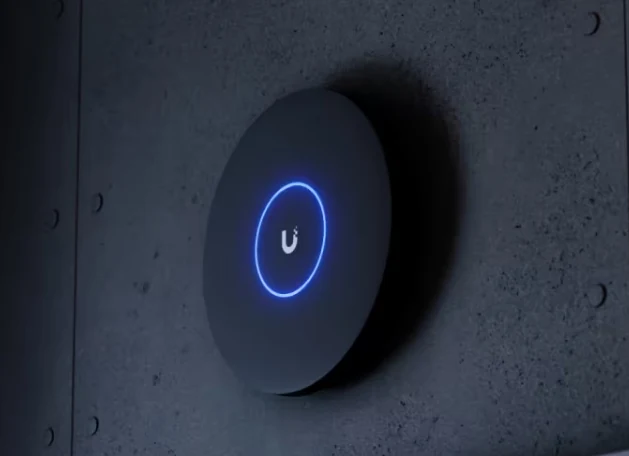
UniFi Network
Wi-Fi where you need it.
Coverage for homes, offices, warehouses, gardens and outbuildings. Access points, gateways, switching and cabling chosen as a system.
Explore UniFi Wi-Fi ↗We install, configure and support UniFi for businesses and homes across Scotland. Wi-Fi, cameras and door access, with the equipment, cabling and settings working together.
Already own the equipment? We can install and configure it.
Tell us your location and plans — we’ll explain the next step and likely costs.

Leave your name and number. We’ll call to discuss what you need.
One system. Built around your property.
A dependable network, a clearer view of your property or better control of your doors. We can help with one part of UniFi or plan how the whole system works together.
UniFi Network
Coverage for homes, offices, warehouses, gardens and outbuildings. Access points, gateways, switching and cabling chosen as a system.
Explore UniFi Wi-Fi ↗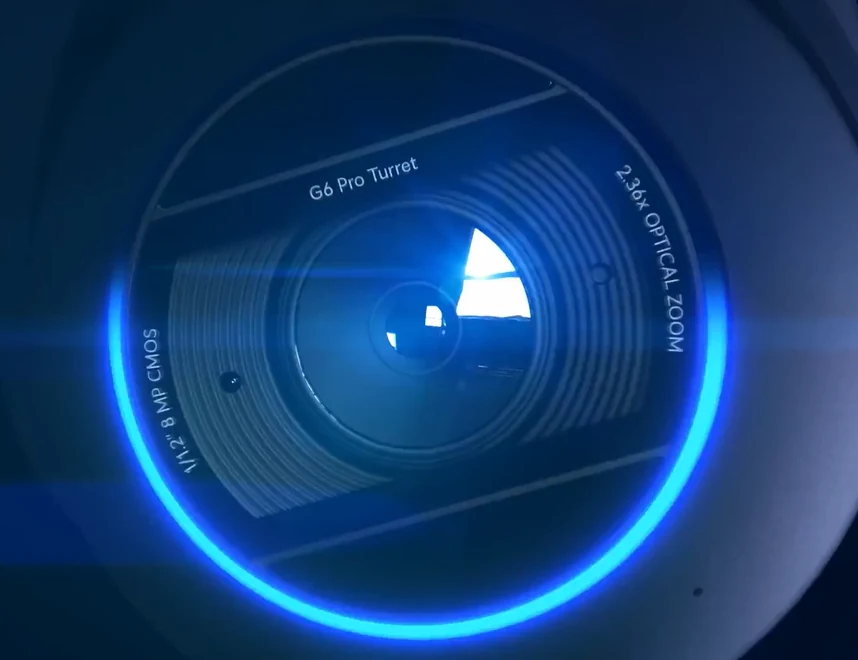
UniFi Protect
Cameras positioned around entrances, driveways and working spaces. Recording, useful alerts and remote viewing configured for you.
Explore UniFi cameras ↗
UniFi Access
Door entry, intercoms and access permissions. We assess the existing doors and locks, then plan the hardware and integration they need.
Explore UniFi door access ↗Production warehouse project
TechLatch designed and installed a completely new wireless network using 12 UniFi U7 Pro access points, providing coverage throughout the production and warehouse space.
The installation supports Wi-Fi 6 devices alongside older equipment using 2.4 GHz. Coverage and roaming were tuned across overlapping access points to help devices maintain reliable connections as they move around the premises.
“Mark fitted blanket unifi wifi coverage for our production warehousing. First class service and installation wouldn’t hesitate to recommend Techlatch. Great service.”
Customer Google review · Warehouse Wi-Fi installation
Glasgow office project
Glasgow solicitors: four customer-supplied U7 Pro access points, a UniFi gateway and PoE switching for coverage across two large offices and breakout rooms.
Residential case study
Magnus’s property: ten access points for house and garden Wi-Fi, with cameras, doors, gates and garage access integrated. Ongoing remote support from Mark.
Read Magnus’s installation story ↗Already own UniFi?
You don’t need to buy everything again. We can assess the equipment and cabling you already have, explain what can stay and identify the changes that will make a difference.
Whether it’s a new box waiting to be installed or an existing system that needs attention, tell us what you have and what you want to improve.
Tell us about your setup ↗From first conversation to handover
Send your town or postcode, what you need and any equipment you already own. Photos and plans help us understand the layout.
We explain the proposed equipment, cable routes, configuration and installation costs. Any survey or travel charges are agreed before a visit.
We install, configure and check the agreed functions, then walk you through the system and explain the support arrangements.
Good to know
Glasgow, Edinburgh, Aberdeen, Dundee, Inverness, Perth, Stirling, Dunfermline and the towns and rural properties between them. We travel across Scotland for installations, upgrades and work on existing UniFi systems.
Send us your location and what you need. We’ll agree the work, timing and any travel costs before booking a visit.
Yes. Send us the model details and what you want to achieve. We check compatibility and the supporting network, cabling and power before agreeing the work.
Yes. We can review an existing UniFi setup, investigate faults and plan upgrades. We’ll need authorised access to the equipment and its management account.
No. We can help with an individual service or plan a combined installation. The equipment is selected around the job.
Yes. We start by understanding the equipment, cabling and current configuration, then agree what needs attention. We’ll need authorised administrator access; if access is missing, we’ll discuss the recovery options and any disruption before making changes.
The size and construction of the property, cable routes, coverage requirements and equipment all affect the cost. Cameras also need a recording plan, while door access depends on the existing doors and locks. We quote for the agreed equipment, installation and configuration, with any survey or travel costs explained beforehand.
Your town or postcode, a brief description of the property, what you want to improve and any equipment you already have. Photos or a floor plan are useful. If a site visit is needed, we explain any charge before booking.
Let’s look at your setup
New installation, an upgrade or help with equipment you already own.
Send your location and a few details. We’ll take it from there.
