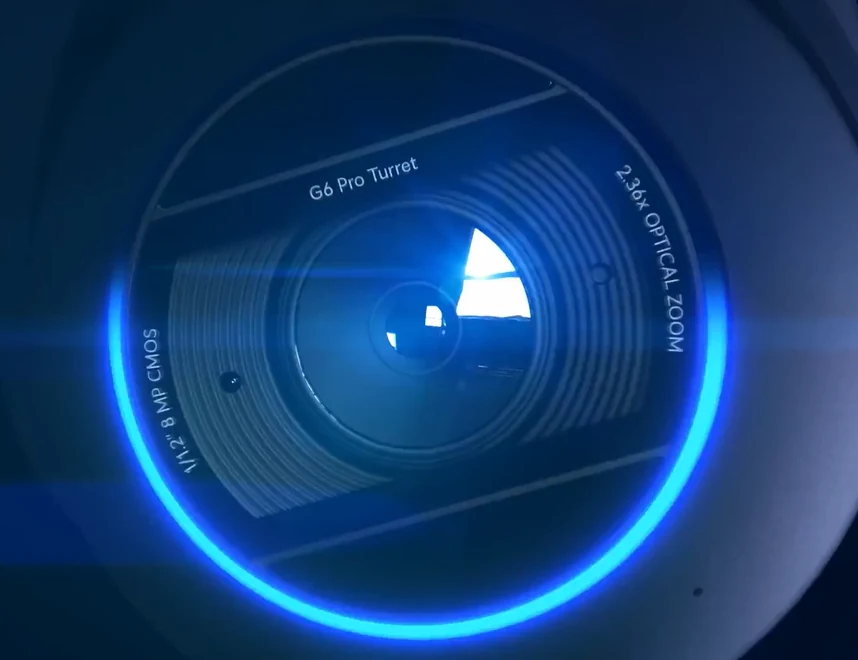
Useful coverage
Camera positions chosen around what you need to see.
Cameras, recording and remote viewing planned around your entrances, driveway or business. Installed and configured for the way you use the property.
We’ll explain the work and costs before you book.
Leave your name and number. We’ll call to discuss what you need.
Camera positions chosen around what you need to see.
Find footage and receive relevant notifications.
Your system set up for convenient remote viewing.
What a TechLatch customer says
“Mark handled the whole UniFi installation at our property, covering Wi-Fi throughout the house and gardens, cameras, and access through our doors and gates. He also connected the garage door and brought everything together into a system that works for us.”
Magnus · Google review excerpt
A completed residential installation
Magnus’s property: house and garden Wi-Fi, cameras, doors, gates and garage access integrated, with ongoing remote support.
Read Magnus’s case study and full review ↗We assess entrances, distances, lighting and cable routes, then choose the cameras and recording system for your property. The aim is useful footage, reliable recording and alerts that matter.
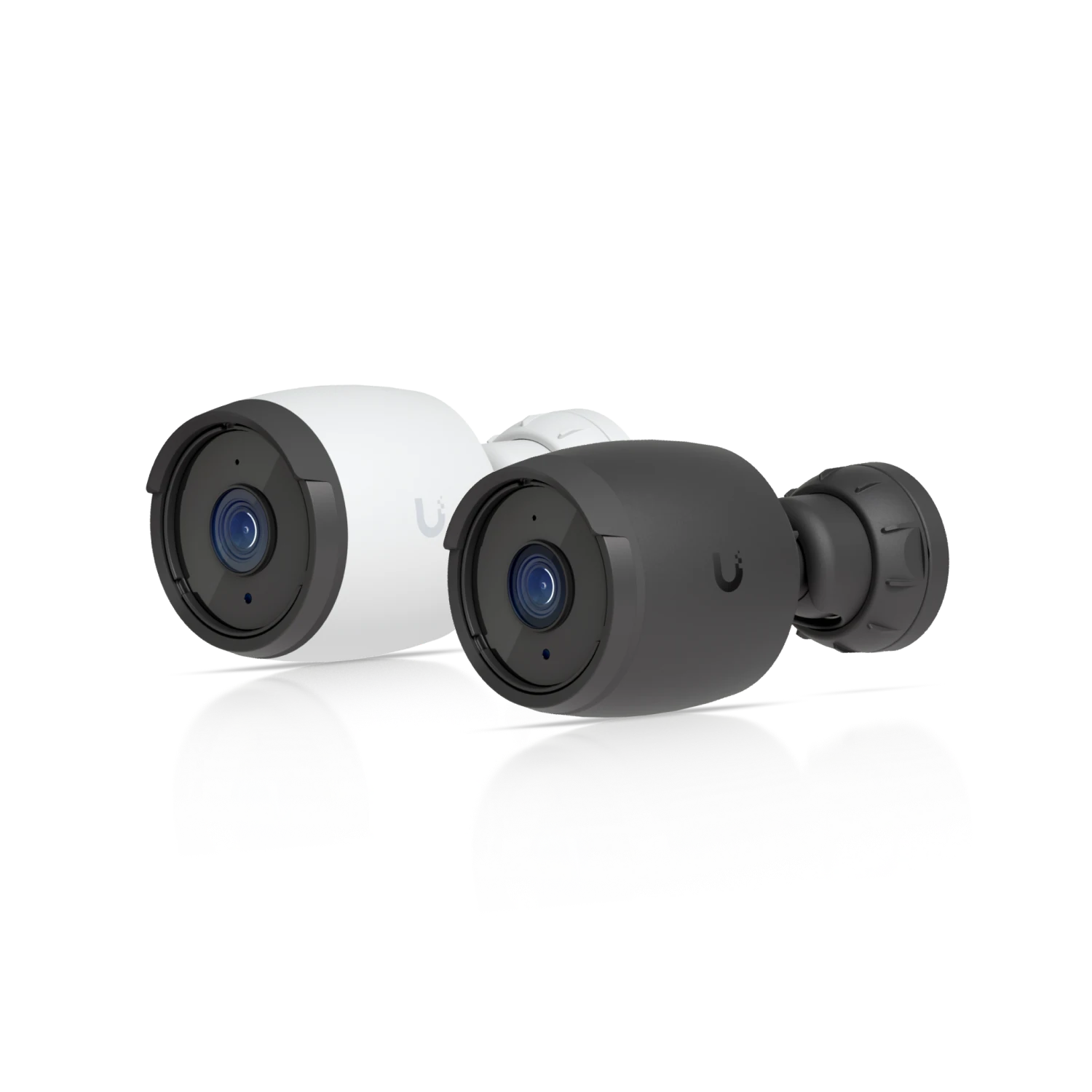
Purposefully positioned cameras for entrances, driveways and working spaces, with recording and alerts configured around your priorities.
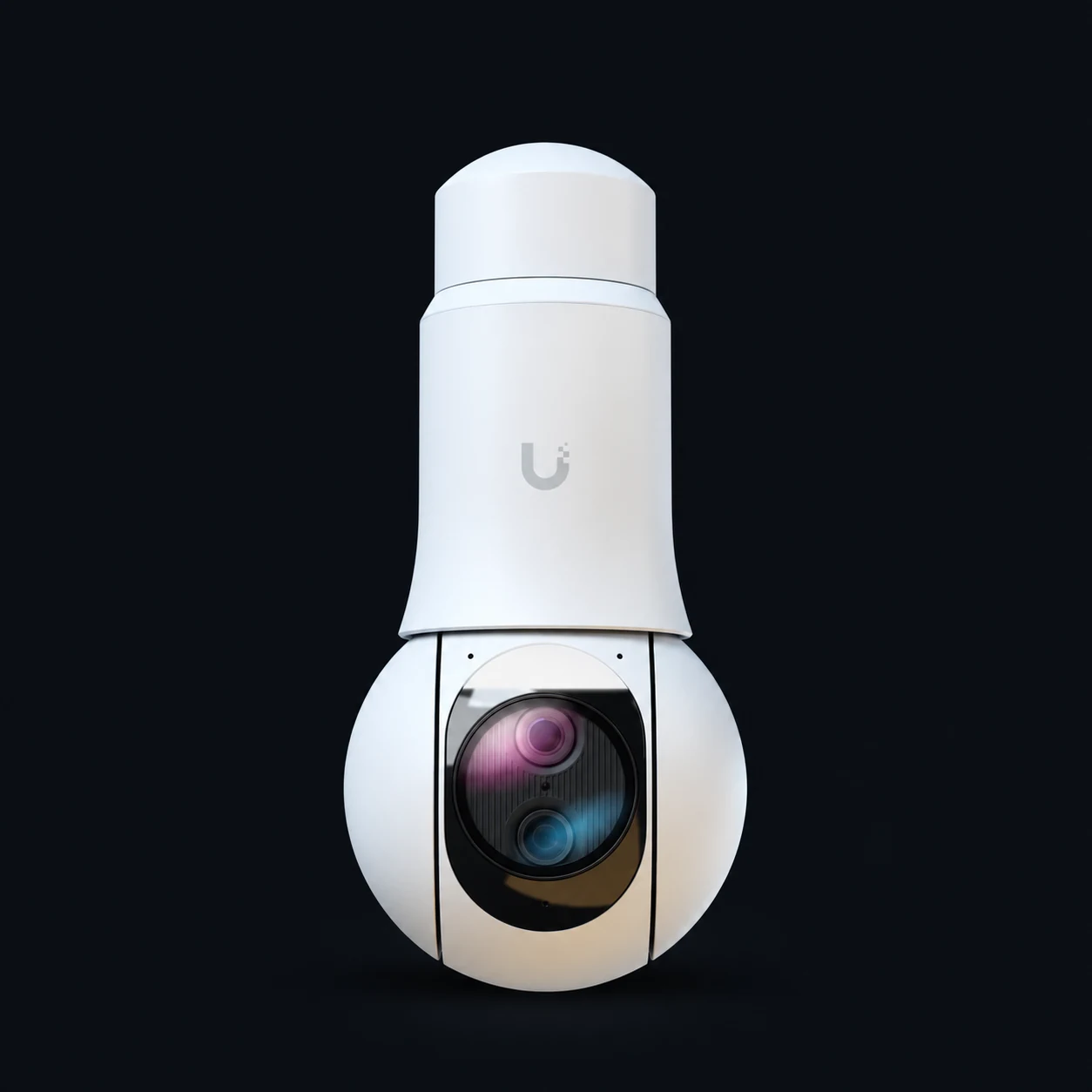
Where a fixed camera is not enough, a PTZ can cover a larger area and follow the detail that matters. We assess whether it earns its place before specifying one.
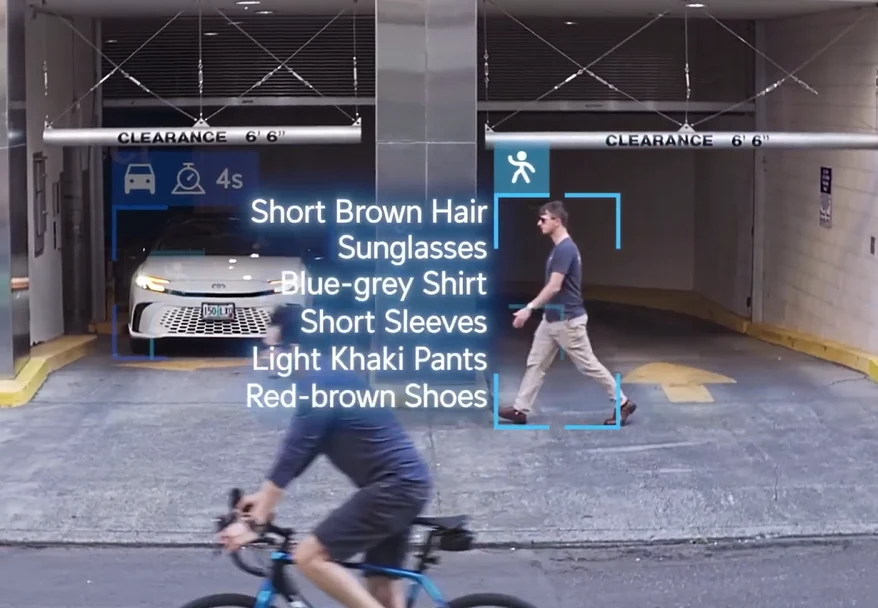
UniFi Protect · Edge AI
Edge AI means the analysis happens at your property, on the camera or dedicated UniFi AI hardware. Your footage does not need to be sent to the cloud for AI processing.
Smart detections. Compatible cameras distinguish people and vehicles, helping focus alerts on useful activity rather than every movement in the scene.
NeXT AI search. With an AI Key and a compatible setup, Protect adds richer event descriptions and natural-language search. Try a description such as “person in a blue shirt” to help find matching detections in Find Anything.
Live views and playback. See your cameras from your phone or desktop, then follow an event across recorded camera views. Recordings stay on your local system, with privacy zones for areas you do not want filmed.
We choose the cameras and AI hardware around what you need to spot, then configure detection zones, alerts and search.
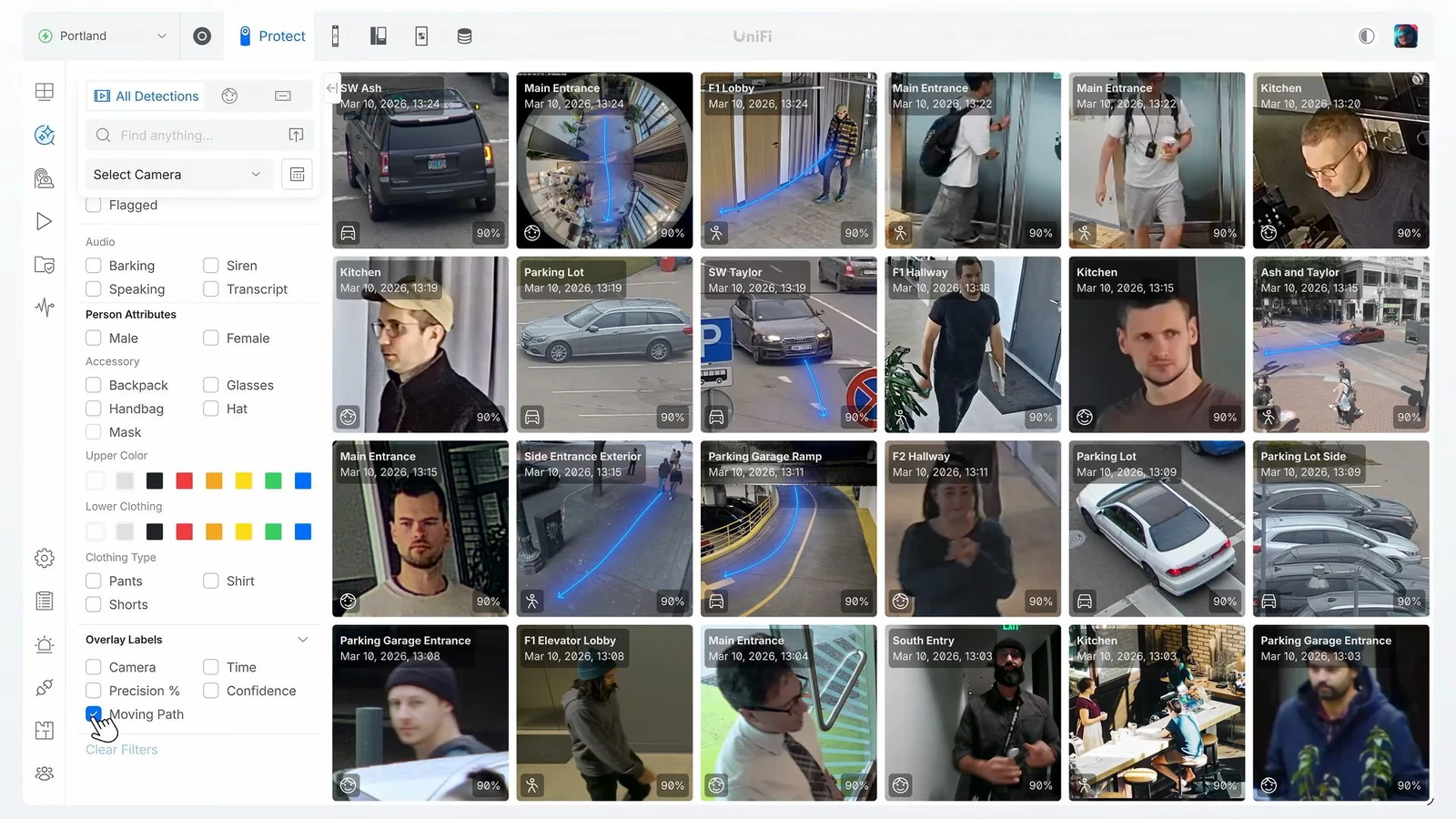
Search matching detections from one place.
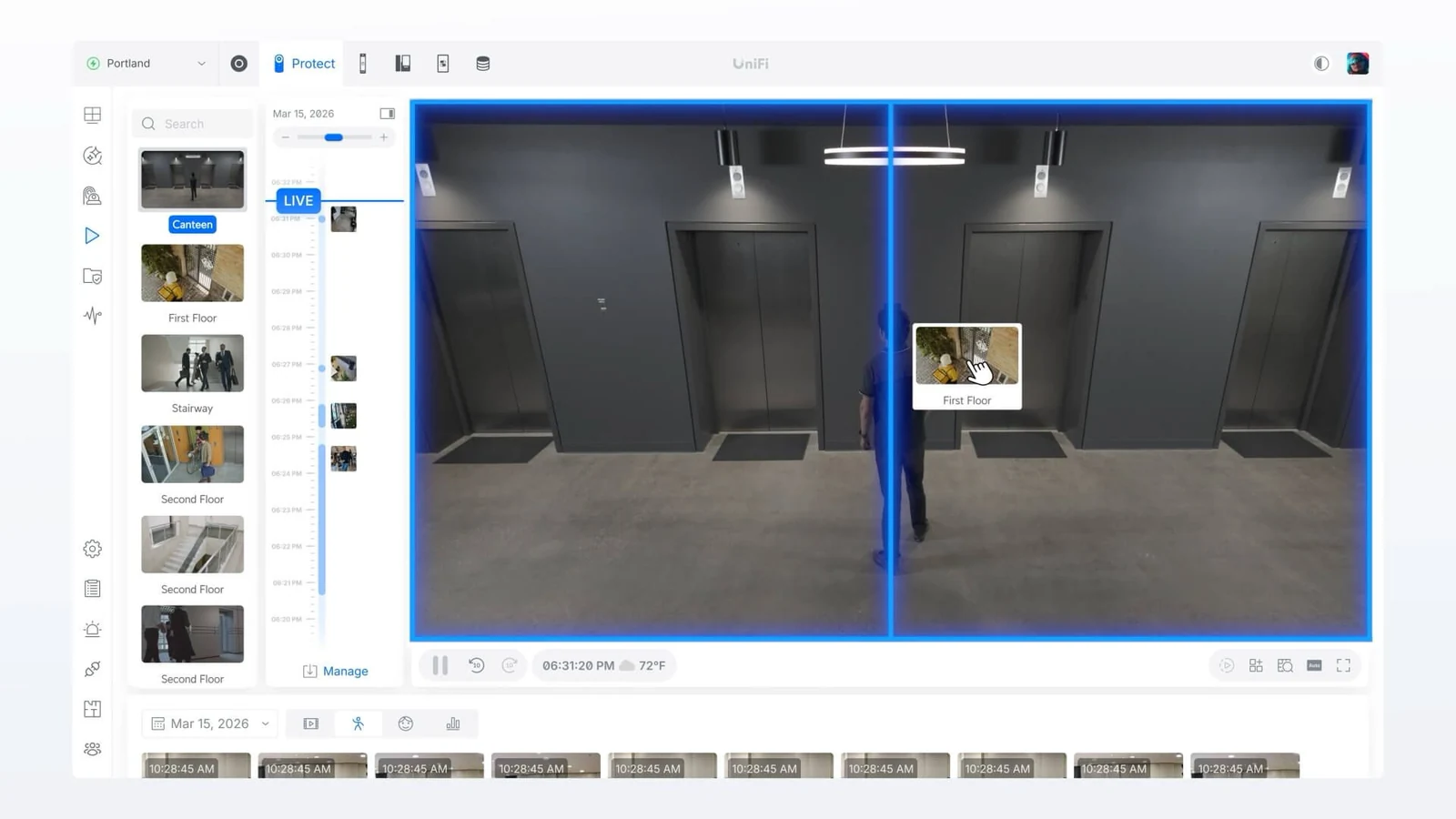
Review the right moment, compare camera views and follow activity through a site without trawling through hours of footage.
For driveways, entrances and business yards, we plan dedicated camera views to capture registration numbers and help you find relevant vehicle recordings. Explore vehicle number-plate recognition ↗
Assess entrances, distances, lighting and cable routes, then agree cameras and recording needs.
Fit the agreed equipment and set up recording, permissions, detection zones and alerts.
Check the key views and show you how to find, play back and export footage. Explain the agreed support arrangements.
One year of full support included. We look after your project for one year from sign-off, at no extra cost.
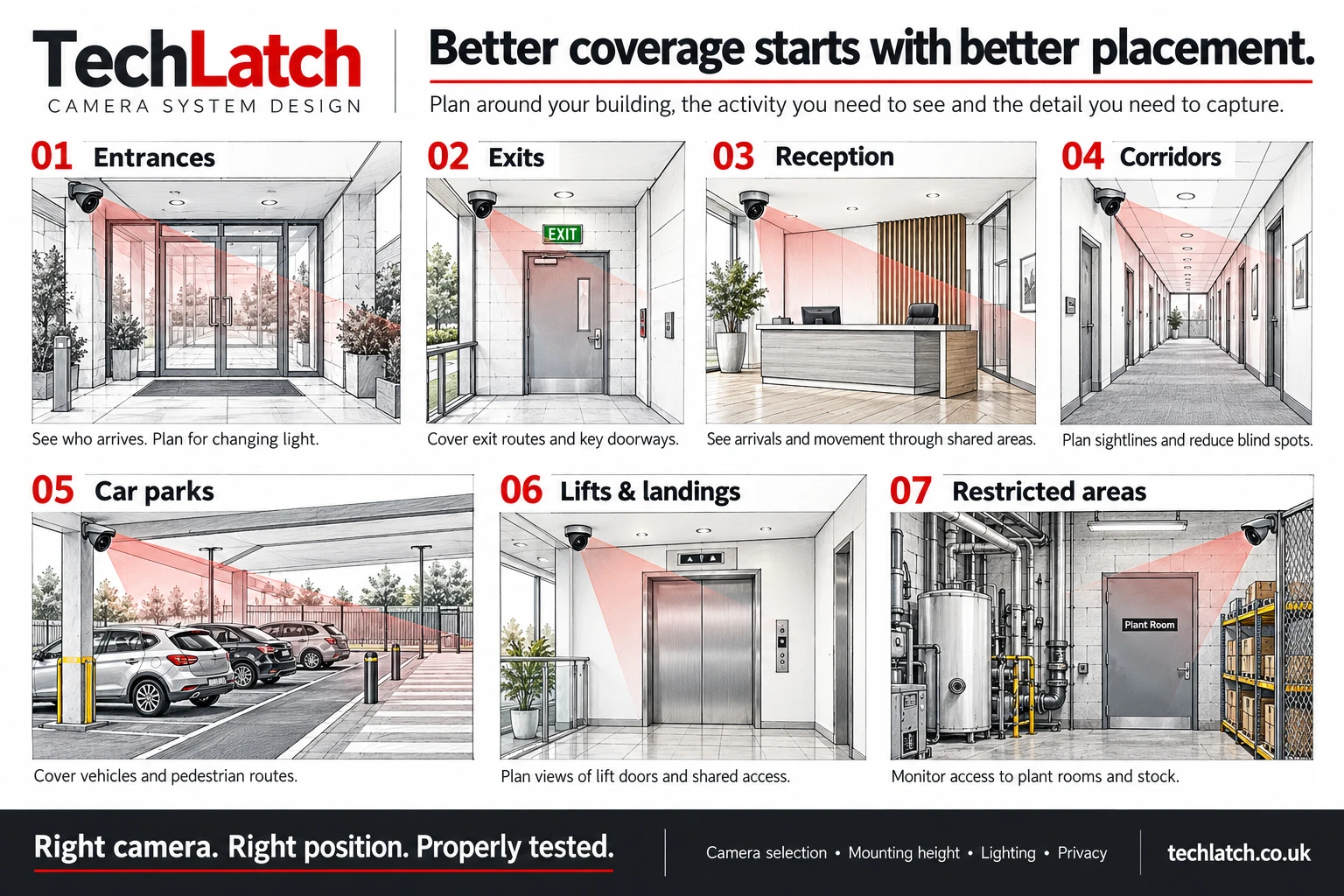
The question is what you need to see: a person approaching a door, a vehicle entering a yard, an incident at a counter or activity around a garden office. We assess distances, angles, lighting and obstacles before choosing the equipment. A wide overview and a useful identifying view can require different camera positions.
We favour suitable wired cameras and a properly planned recording system where practical. A wired Power over Ethernet connection carries data and power through one cable, reducing reliance on wireless reception at the edge of the property. Camera selection still needs to account for exposure, mounting, night-time conditions and the network that supports it.
Resolution is only part of the picture. Height, lens choice, glare, headlights and movement affect what you can actually recognise. We agree the priority views and check the results on site. We do not promise that every face or registration plate will be readable in every condition.
Where the construction and camera choice allow, cameras can be flush-mounted or positioned with cabling hidden in walls, soffits or existing routes. We plan cable paths to avoid unnecessary visible wires or trunking, while keeping the equipment accessible for safe installation and future service. The building, mounting surface and required camera view determine what is practical.
Search for people, vehicles or supported registration-plate detections to narrow down the moment you need. With the required AI Key and compatible camera setup, natural-language search can help find footage using a description. Features vary by camera: some need additional AI hardware, and recognition depends on the view and conditions. We select the useful options for your property and show you how to check results against the recording.
We explain where footage is stored, who can view or export it and how long the proposed storage is expected to retain recordings. Resolution, activity and recording settings affect retention. We also discuss camera boundaries, privacy masking where supported and proportionate user access, so the system fits the setting as well as the hardware specification.
A camera can do more than record. With compatible devices and the right integration, a person detected on the driveway could switch on outside lights, a doorbell press could trigger an indoor alert, or activity at a gate could bring the relevant view to your attention. We design these responses around useful everyday situations, with suitable schedules and conditions to avoid unnecessary activity.
We can plan camera events alongside smart lighting and compatible gate or door-access systems. Depending on the equipment, this may use UniFi functions or an additional automation platform such as Home Assistant. We explain which connections are native, what extra equipment is required and whether the automation depends on internet access. Gate opening and door unlocking need an explicit authorised-access rule; detecting a person is not, by itself, permission to let them in.
Lighting routines can be convenient, while moving gates and controlled doors need additional care. Any integration must preserve the gate’s safety controls, the door’s exit arrangements and a usable manual fallback. We agree what each trigger should do, how you override it and what happens when a device or controller is unavailable, then test the agreed behaviour as part of handover.
If you use a security or remote monitoring company, we can assess how to give their authorised operators access to the cameras they need. We agree the requirements with your chosen provider before specifying the connection, including whether they need live views, recorded footage or event alerts.
Where the equipment and monitoring platform support the required integration, we configure access to the agreed cameras, define permissions and test the connection with the provider. The monitoring service and response arrangements are agreed separately, so everyone knows who receives alerts and what happens next.
We check how your equipment connects. ONVIF support alone does not guarantee a connection to every monitoring platform: UniFi Protect supports bringing compatible third-party ONVIF cameras into Protect, while sharing video with an external monitoring service is a separate integration requirement.
Motion and smart-detection zones let us focus events on the driveway, doorway or other agreed area. Privacy zones serve a different purpose: masking parts of the view that should not be recorded. We configure both deliberately and review sample footage, so reducing unwanted alerts does not get confused with protecting a neighbouring window from view.
Protect’s Case Manager can bring clips from different cameras together with notes, then export the selected video and a PDF timeline. That makes it easier to explain an incident than sending several unlabelled files. We can show the responsible administrator how to assemble and export a case, including checking who has access to it.
Protect stores recordings on your local UniFi recorder or console, with secure remote viewing available through its apps. Its AI processing also takes place locally. We set the retention and user permissions around your needs and explain the connection required when viewing away from the property. Local storage does not include an automatic cloud backup; any separate archive arrangement is specified explicitly.
We also install vehicle number-plate recognition cameras (ANPR) for entrances and yards, and vape detection and air-quality sensors for schools, workplaces and hospitality venues. Each is planned around the site and the people using it.
We plan how to keep your system running and recover from a fault.
A powered local camera network and recorder can continue local recording without the broadband connection. Remote viewing, cloud services and some notifications may be unavailable until connectivity returns.
Compatible multi-drive UniFi recorders support RAID protection against specified drive failures. We size storage around both protection and retention. RAID does not protect against every fault, theft or loss of the whole recorder; important footage needs a separate export or archive plan.
Battery backup needs to cover the recorder and the switches powering the cameras. We agree the runtime target and recovery arrangements. Recorder placement, service access and keeping important clips separately are part of the wider resilience discussion.
No. It can help locate and prioritise events, but detections can be wrong or missed. Important incidents should be checked against the actual recording.
Compatible UniFi Protect and Access systems can bring entry events and relevant footage together. We check the required devices, applications and permissions as part of the proposed design.
Let’s look at your project
Send your location, what you want to improve and any equipment you already own.
We’ll explain the work and costs before you book.
